Each node in the Chapter Editor can be edited with the Chapter node editor.
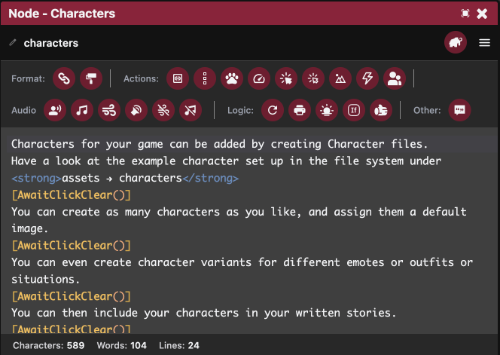
Text that is written in this window will be typed out to the player one character at a time when played in game, or previewed via the Chapter Node Preview window.
References
For a detailed list of commands that can be used while writing a node see:
Quick Buttons
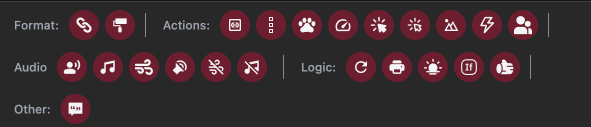
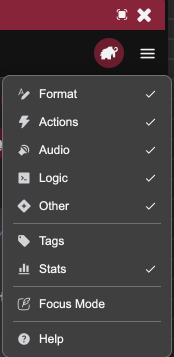
At the top of the window there are a series of buttons that help you type commands faster, these button groups can be toggled on and off via the Menu Button on the right.
Tags
When Tags are turned on in the menu.
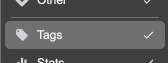
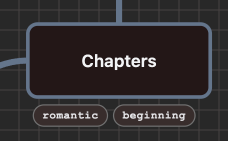
You can edit a node's tags to allow you to place nodes into various groups.

These tags will also show up in the Chapter Editor under the relevant node.
Stats
Basic stats are listed for a node at the bottom of the window.

Focus Mode
For writers who want to write without distraction, you can enable Focus Mode in the window's menu.
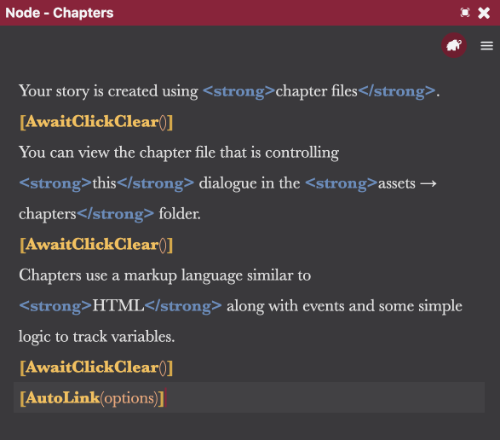
This removes a lot of the window's clutter and changes the font and colour of the text to something of the writer's choice.
These settings can be changed in the projects Preferences.